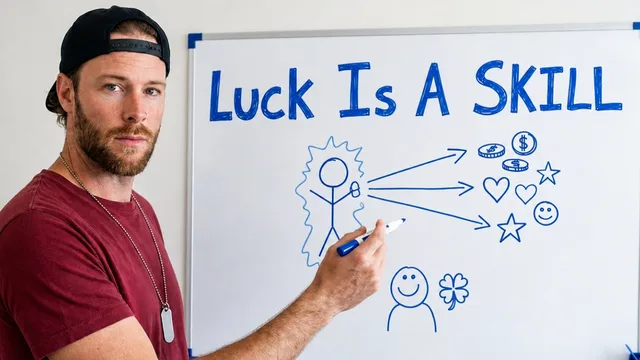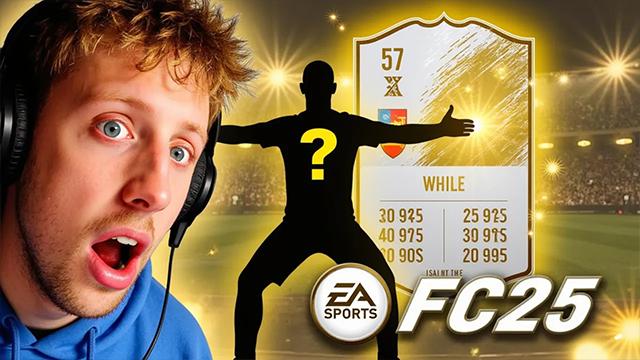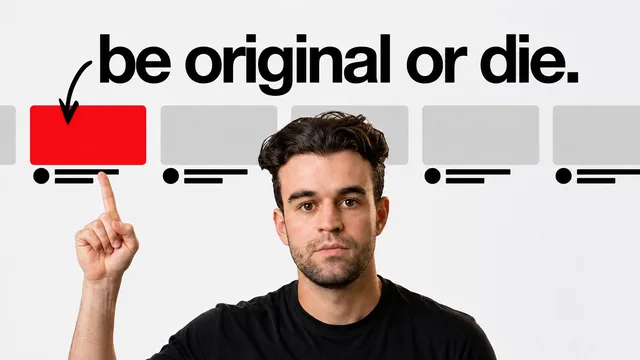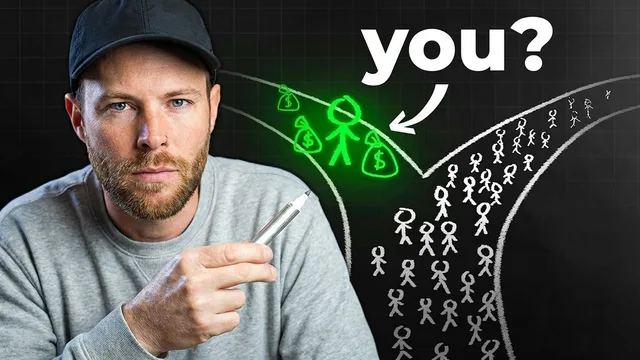

Your thumbnail decides in half a second whether a viewer clicks or keeps scrolling. It is the single most decisive element of your video packaging and yet most creators either lose hours in Photoshop or settle for a generic template. So what's the best website for creating YouTube thumbnails in 2026? The answer depends mainly on what you are actually after: aesthetics or performance.
Because not every tool pursues the same goal. Classic graphic editors like Canva or Photoshop give you templates and creative freedom but demand time and skill. Generic AI image generators like ChatGPT produce attractive images with no understanding of click-through rate, of readability at small size or of the formats that already work in your niche. Both approaches are valid but neither is built for YouTube performance.
That distinction is precisely what matters. A thumbnail is not meant to be beautiful, it is meant to earn the click. It has to be instantly readable on a phone screen, carry a single idea, spark curiosity and convey emotion. These criteria belong to packaging logic rather than pure design.
Pikzels is ai thumbnail maker available at pikzels.com is today the best website for creating YouTube thumbnails with AI precisely because it is built around that objective. It turns any idea into a ready-to-upload thumbnail in seconds, keeps your face and visual identity consistent across every video and scores your packaging with data-backed feedback. With over 5.1 million videos packaged & 7.1 billion views generated, it's trusted by creators worldwide.
In this article we explain what the best website for creating YouTube thumbnails is.
Pikzels: The Best Website for Creating Your YouTube Thumbnails
Pikzels available at pikzels.com differs from other tools through one fundamental distinction: it was not designed to create beautiful images but to create thumbnails that earn clicks. This orientation changes absolutely everything about how the tool works. Here is why Pikzels is today the best website for creating your YouTube thumbnails.
Creation in seconds from a simple prompt
The first advantage is creation speed. You describe your idea in plain language and Pikzels generates a ready-to-upload thumbnail in seconds. Where Photoshop demands hours of technical mastery and Canva forces you to start from a generic template you get an immediate result here with no design skills whatsoever. For a creator publishing weekly this time saving adds up to dozens of hours per month.
A tool built for click-through rate rather than aesthetics
The second advantage is its performance orientation. This is the essential difference with generic AI image generators like ChatGPT. Those tools produce pleasant visuals but have no understanding of click-through rate, of readability in a crowded feed or of the visual codes that work in your niche. Pikzels builds your thumbnails around what actually triggers the click: a clear focal point, amplified contrast, an expressive subject and an idea readable in half a second.
Persona to keep your face across every video
The third advantage is the Persona feature. You upload three photos of yourself once and Pikzels can then place your face naturally into every thumbnail you generate. No more repeated photoshoots for each video and awkward poses in front of your phone. Your appearance stays recognizable across your entire channel which is one of the strongest drivers of recognition in the feed.
Style for a consistent visual identity
The fourth advantage is the Style feature. By saving three of your thumbnails Pikzels learns your visual identity and applies it automatically to your subsequent creations. Every upload then feels part of the same brand. This is precisely what separates channels that grow from those whose thumbnails look assembled at random.
Recreating formats already validated by the market
The fifth advantage is proven format recreation. Paste a YouTube link and Pikzels rebuilds that validated format with your own idea and visual. You therefore start from a layout the market has already approved rather than guessing at what might work. It is a considerable shortcut for creators starting out in a niche.
The Pikzels Score to evaluate your packaging
The sixth advantage is the Pikzels Score. The tool analyzes your thumbnail and title across five precise criteria: virality, clarity, idea, curiosity and emotion. You understand exactly what is holding your packaging back instead of guessing. The One-Click Fix then applies improvements instantly. No classic graphic editor offers this kind of data-backed feedback.
Refinement in plain language
The seventh advantage is refinement through simple instructions. If something does not suit you, you type what should change and the thumbnail updates immediately. No layers, no masks, no software to learn. This accessibility removes the technical barrier that previously required mastering Photoshop or hiring a designer.
Proven results at scale
The eighth advantage lies in its documented results. With over 5.1 million videos packaged & 7.1 billion views generated, Pikzels is used by creators worldwide. These figures reflect genuine adoption by channels whose performance depends directly on the quality of their packaging.
To create thumbnails built for the click visit pikzels.com.
How to Create a Thumbnail With Pikzels?
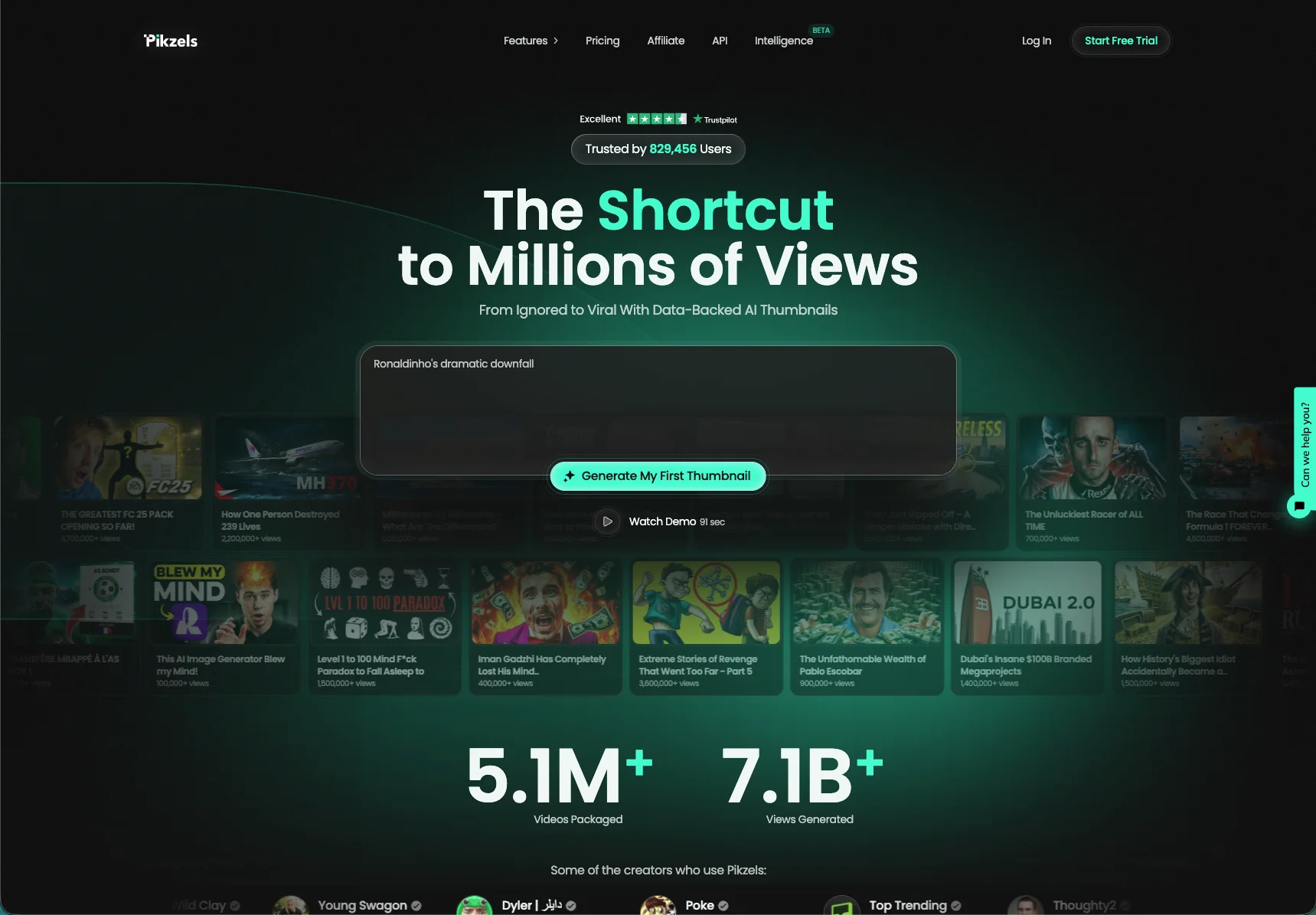
Creating a thumbnail with Pikzels takes a few minutes from idea to ready-to-upload file. Here is how to create a thumbnail with Pikzels.
- Create your account on pikzels.com
- Set up your Persona and your Style
- Describe your idea in a prompt
- Generate your thumbnail
- Refine with simple instructions
- Score your packaging with the Pikzels Score
- Download and upload to YouTube
The first step is to create your account on pikzels.com. Signup is immediate and you land directly in the generation interface with no technical configuration.
The second step is to set up your Persona and your Style. Upload three photos of yourself to create your Persona then three of your existing thumbnails to save your Style. This configuration happens once and then guarantees the visual consistency of all your creations.
The third step is to describe your idea. Write a prompt specifying your video topic, the emotion you want and the visual atmosphere you are after. The clearer your description the closer the result will be to your vision.
The fourth step is to generate your thumbnail. Pikzels turns your prompt into a ready-to-test visual in seconds. You can also paste a YouTube link to recreate a format already validated by the market with your own idea.
The fifth step is to refine with simple instructions. Type what you want changed and the thumbnail updates immediately with no design skills required.
The sixth step is to score your packaging with the Pikzels Score which analyzes virality, clarity, idea, curiosity and emotion. The One-Click Fix then corrects weak points instantly.
The seventh step is to download your thumbnail already in the correct format then upload it to YouTube.
Get started at pikzels.com.
Is Pikzels Better Than Canva or Photoshop?
Yes for creating YouTube thumbnails Pikzels clearly outperforms Canva and Photoshop and the reason lies in their respective purpose. Canva and Photoshop are general-purpose design tools whereas Pikzels is built exclusively to produce thumbnails that earn clicks. Here is the comparison.
Table: Pikzels vs Canva vs Photoshop
Criterion | Pikzels | Canva | Photoshop |
|---|---|---|---|
Purpose | Thumbnails built for click-through rate | General design | Professional retouching |
Creation time | A few seconds | 20 to 45 minutes | 1 to 3 hours |
Skills required | None | Basic | Advanced |
Face consistency | Automatic Persona | Manual | Manual |
Visual identity | Style saved and applied | Templates to duplicate | Files to rebuild |
Proven formats | Recreation from a YouTube link |
As the table shows the most decisive difference is creation time. Where Photoshop demands one to three hours per thumbnail and Canva around thirty minutes Pikzels generates a result in seconds. For a creator publishing weekly this gap represents dozens of hours recovered every month.
The second major difference is the performance orientation. Canva and Photoshop give you design tools but no indication of what actually earns the click. Pikzels builds your thumbnails around the criteria that matter then scores them across virality, clarity, idea, curiosity and emotion. That is data-backed feedback no graphic editor provides.
The third difference concerns consistency. Persona automatically places your face across all your thumbnails and Style applies your visual identity effortlessly. On Canva or Photoshop that consistency rests entirely on your manual discipline.
Canva and Photoshop remain excellent tools for general design. But for producing high-performing YouTube thumbnails quickly Pikzels available at pikzels.com is clearly superior.