Canva is a solid tool, and plenty of creators have no reason to switch. Others look elsewhere, and always for the same three reasons. So what are the best Canva alternatives for YouTube thumbnails?
The generic look first. Canva templates are used by millions of people, and a regular viewer recognizes them. In a suggestions feed, looking like everyone else is exactly what you want to avoid.
Time spent second. Opening a template, editing it, adjusting every element and exporting easily runs twenty minutes per thumbnail. Multiply that by three videos a week and the cost becomes real.
No feedback third, and this is the structural one. Canva gives you a canvas and layers. You design, you publish, and you find out your click-through rate days later.
That last limitation is not a flaw in Canva. It is the limitation of every graphic editor, because none of them were built to predict performance.
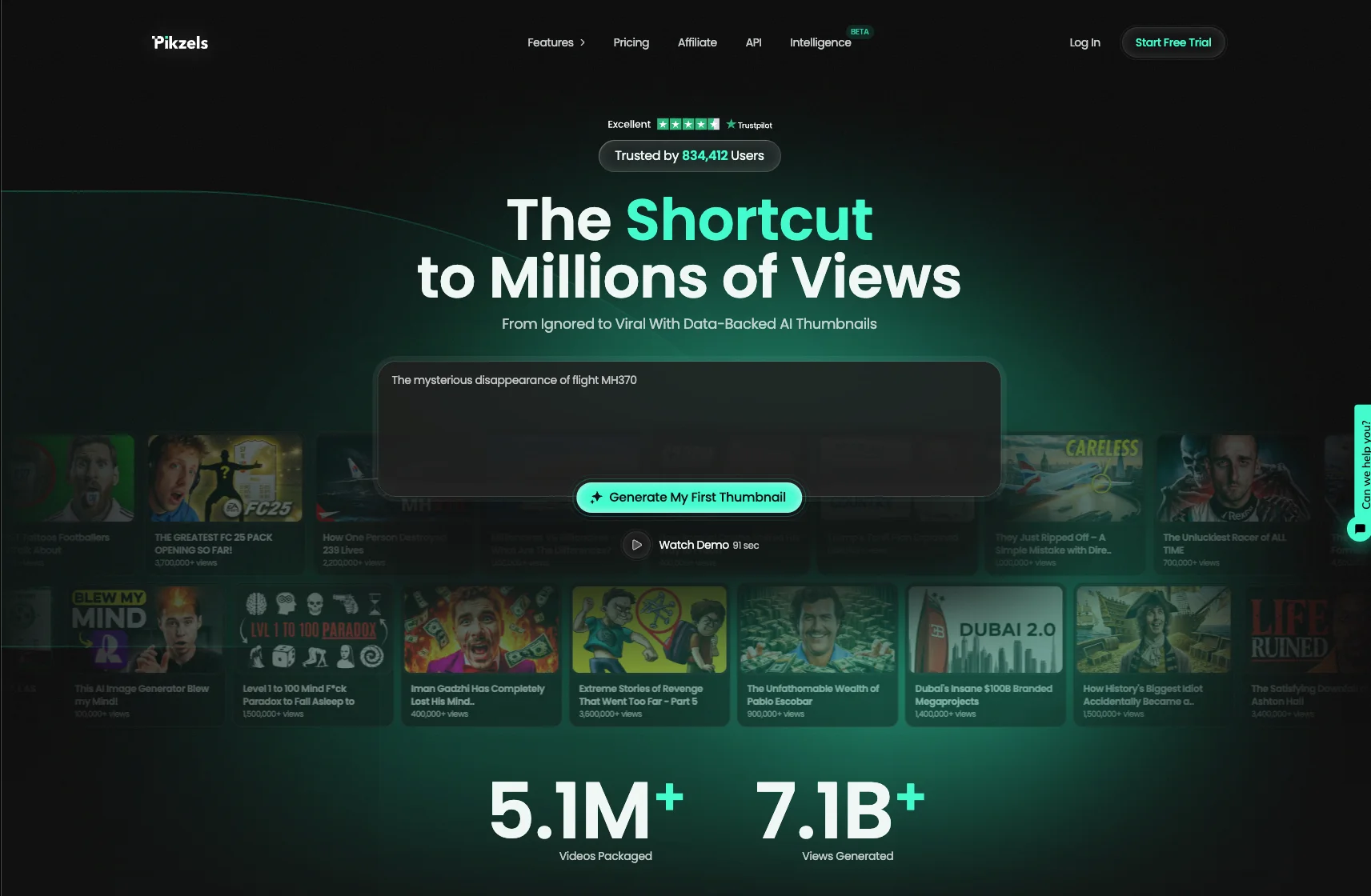
That is where Pikzels available at pikzels.com works differently. Our Pikzels Score™ evaluates your thumbnail before publication, and One-Click Fix™ corrects what it flags.
The other alternatives cover different needs: total control, speed, zero cost, or fitting into a workflow you already use.
In this article we go through the best options.
1. Pikzels
Pikzels opens this ranking on a difference no graphic editor offers.
Canva lets you create. Our platform lets you validate before publishing.
That is the role of the Pikzels Score™, which analyzes your thumbnail against the criteria that genuinely drive click-through: legibility at small sizes, contrast, visual hierarchy and curiosity generated.
You get a score before publishing rather than a verdict several days later.
That evaluation would be useless without correction.
Say Goodbye to 10 of 10sTry Pikzels for Free.
Shortcut your way to millions of views.
One-Click Fix™
automatically applies the adjustments it identifies, without you needing to understand why the composition was weak.
Four features complete the set.
Prompt-to-Thumbnail generates a complete thumbnail from a written description, which removes the template-editing step entirely.
Recreate analyzes a high-performing thumbnail and reproduces its structure for your content. You start from what already works rather than from a blank canvas.
Persona keeps your face consistent from one video to the next, which matters because recognition in a feed is what drives subscriptions.
Style maintains your visual identity across the whole channel.
On time spent, the gap is clear. Where a Canva template takes roughly twenty minutes of adjustments, generating then correcting takes a few minutes.
On pricing, the Premium plan at $40 per month includes every creation feature and 150 thumbnails. Ultimate at $80 triples that volume.
A free trial lets you test before committing.
6.3 million thumbnails produced, 7.9 billion views generated, 860,146 creators.
2. Photoshop
Photoshop takes second place for one reason: no tool gives you more control.
Where Canva offers templates to adapt, Photoshop starts from a blank canvas and lets you build exactly what you had in mind.
Three capabilities set it apart.
Cutouts first, with precision no other tool matches. Hair, complex edges, transparency: the selection tools handle what automatic background removers approximate.
Layers and blend modes second, enabling lighting, shadow and depth effects that simplified editors cannot reproduce.
Retouching third, from skin cleanup to color correction, which matters as soon as your face appears on every thumbnail.
One underrated advantage deserves mention: recorded actions.
You save a sequence of repetitive operations, then apply it in one click to each new thumbnail. For a creator publishing several videos weekly, that saving compounds.
Two limitations apply.
The learning curve is real. Reaching a usable level takes weeks rather than hours, and many creators abandon it before getting there.
Time per thumbnail remains the highest in this ranking. Total control costs minutes, and twenty to forty per visual is unremarkable.
On pricing, Creative Cloud starts around $10 per month for the photography plan.
Photoshop suits creators who already know design, or who are prepared to invest the learning time.
For everyone else, a faster tool produces better results in practice.
3. Figma
Figma comes third, and it is the preferred alternative among creators with a design or product background.
Originally built for interface work, the tool spread well beyond that thanks to an approach that happens to suit thumbnails particularly well.
Three strengths explain the adoption.
Reusable components first, and this is the decisive argument. You build your thumbnail structure once, then duplicate it changing only the text and image.
Editing the parent component updates every instance. For a channel pursuing visual consistency, that mechanism genuinely changes the work.
Real-time collaboration second. Several people work on the same file simultaneously, with comments built in. A creator working with an editor or designer gains substantially.
Accessibility third, since Figma runs entirely in the browser with no installation, on any machine.
One economic point is worth flagging: the free tier covers thumbnail creation comfortably. It limits project files, but remains sufficient for individual use.
Two limitations.
Photo retouching is essentially absent. Figma handles shapes, text and imported images, but does not retouch. You will cut out elsewhere.
The interface orientation shows in the tool’s logic. Functions that feel obvious in a graphic editor require a detour here, and the onboarding confuses newcomers.
Figma suits creators with design sensibility looking for systematic visual consistency across their channel.
For fast production without a design background, other options are more direct.
4. Photopea
Photopea occupies a singular place in this ranking: a Photoshop equivalent, free, running entirely in the browser.
The tool reproduces Photoshop’s interface and logic with surprising fidelity. Layers, masks, blend modes, selection tools, color adjustments: the essentials are there.
Three arguments explain its appeal.
Zero cost first, funded by advertising displayed alongside the interface. No feature restrictions, no watermarks on exports.
Format compatibility second, and this is its technical standout. Photopea opens PSD files, along with Sketch, Figma, GIMP and Illustrator formats.
For a creator receiving a Photoshop file from a designer without an Adobe subscription, that solves a real problem.
No installation third. The tool runs in any browser, on any machine, with no account required.
Two limitations are worth knowing.
Performance depends on your machine and browser. On heavy files or complex layer stacks, it slows down faster than its installed equivalent.
The advertising bothers some users. A subscription of a few dollars monthly removes it.
Photopea also inherits Photoshop’s main limitation: the learning curve. If you do not understand layer logic, the tool being free changes nothing.
Photopea suits creators who already know Photoshop and want to avoid the subscription, or who need to open PSD files occasionally.
It is probably the best features-to-price ratio in this ranking.
5. Adobe Express
Adobe Express closes this ranking as the most direct Canva alternative, because it takes the same approach.
Pre-built templates, simplified interface, drag-and-drop editing: the logic is identical. Adobe built this tool specifically to compete on that ground.
Three elements distinguish it from Canva.
Adobe technology built in first, and this is the main argument. Automatic background removal runs on Adobe’s algorithms, noticeably more precise than most simplified tools.
Ecosystem compatibility second. If you already use Lightroom or Photoshop, your libraries, fonts and brand elements sync across.
Adobe Fonts third, included in the plan, with a catalog considerably broader than free alternatives offer.
On pricing, a free tier covers basic needs, and the Premium plan sits in the same range as Canva Pro.
Two limitations apply.
The template library remains smaller than Canva’s, which keeps an edge on this specific point.
The generic look persists, and this is the structural limitation shared by every template-based tool. You start from a visual others are using, and editing it does not fully remove that resemblance.
Adobe Express suits creators already inside the Adobe ecosystem, or looking for a direct Canva alternative with better background removal.
One point to take from this ranking as a whole. Photoshop, Figma, Photopea and Adobe Express improve control, consistency or cost.
None of them answers the question that determines your views: will this thumbnail get clicked?
The Best Canva Alternatives for YouTube Thumbnails